Blur Photo Background with AI
Give any picture the portrait-mode look: the subject stays pin-sharp while everything behind it softens into a natural depth-of-field blur that never bleeds into the edges.
JPG, PNG and WebP · up to 10 MB
Tailored Depth of Field for Every Scenario
One blur does not suit every photo. Set the strength for the job: a soft fall-off behind a headshot, a clean separation behind a product, or enough to hide what is behind you.
Portraits & LinkedIn Headshots
A shallow, portrait-mode blur keeps the face pin-sharp and turns the office behind it into soft bokeh — the look of a fast lens, from any phone photo.
E-Commerce & Product Photography
A gentle blur separates the product from the table it was shot on, so it reads cleanly on a listing without the flat look of a cut-out on white.
Food & Lifestyle Shots
Soften the plates, hands and clutter around the dish so the eye lands on the food first — the depth of field a food photographer dials in on purpose.
Protect Your Privacy on Social Media
Blur the room, the street or the people behind you before you post. Faces stay sharp; addresses, screens and bystanders do not.
How to Add Depth of Field to Your Image with AI
The slider blurs the whole background evenly. For a blur that deepens with distance, hand the picture to the AI with the prompt below: the cut-out mask protects the subject, and only what is behind it is repainted.
Change the background of the uploaded image into the same scene with a shallow depth of field, as if shot on an 85 mm lens at f/1.8: everything behind the subject falls out of focus into soft, creamy bokeh, the blur deepening with distance and point lights becoming soft discs. Keep the scene, colors, lighting and composition unchanged. Do not modify the subject in any way. Keep the exact subject shape, color, texture, proportions, details, shadows, and perspective, tack-sharp with no halo at the edges. Only change the background.
How to Blur Photo Background Online in 3 Steps
No account, no watermark. The cut-out runs on a small copy of your picture; the blur and the export happen in your browser at full resolution.
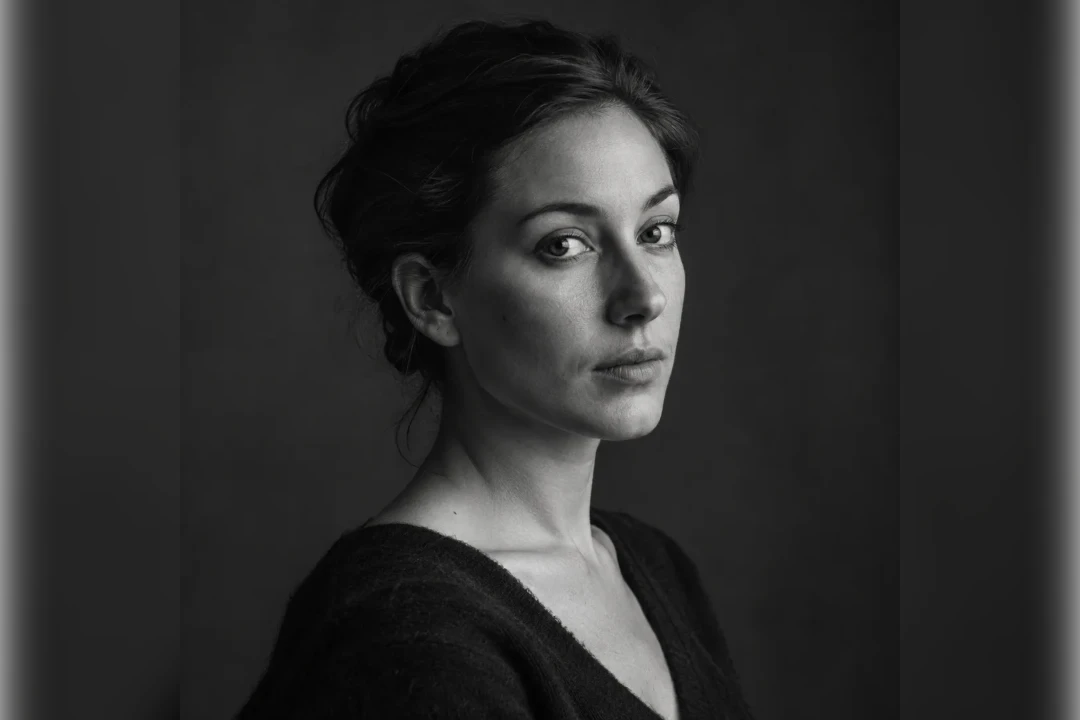 After · background blurredBefore · the original
- 1
Upload a photo
Drop in a JPG, PNG or WebP, paste it, or take one. The subject is cut out automatically, hair and fur included. - 2
Blur the background
The picture opens with a portrait-mode blur already applied. Drag the slider until the depth looks right. - 3
Edit with AI or a background template
Switch to AI mode for true depth of field or a new scene, or swap in a colour, gradient or texture — then export as PNG, JPG or WebP.
Discover More Image Editing Tools
The same cut-out powers the other background tools, and Image Translate re-typesets the text inside a picture.